100% Free ChatGPT Image Generator Powered by GPT Image 2
Free trial for higher quality image generation
Get a faster, higher-quality, ad-free experience of generating images through our professional website
Recommended Stable and Cost-Effective Image APIs
Move from free image experiments to reliable production with five FLAQ AI image APIs. Compare stable, affordable models for generation, editing, high-volume workloads, and product-ready creative workflows.
GPT Image 2 API
Strong prompt adherence, readable text in images, flexible quality controls, and reliable generation or editing for production workflows.
View APINano Banana Pro API
Gemini-powered semantic understanding, high-fidelity output, and flexible text-to-image or image editing for demanding applications.
View APISeedream 5.0 Pro API
Professional text-to-image generation with complex scene composition, flexible aspect ratios, and polished commercial visual styles.
View APIQwen Image 2.0 API
A cost-effective Alibaba image model with multilingual prompt understanding, flexible resolution control, and scalable generation workflows.
View APIZ Image API
Affordable managed text-to-image generation for product visuals, marketing assets, social content, and high-volume creative automation.
View APIFree ChatGPT Image Generator Results with GPT Image 2
See how ChatGPT Image 2.0 turns detailed prompts and reference images into polished infographics, product mockups, concept art, brand boards, realistic scenes, and consistent visual worlds.
Text-to-Image Design and Marketing
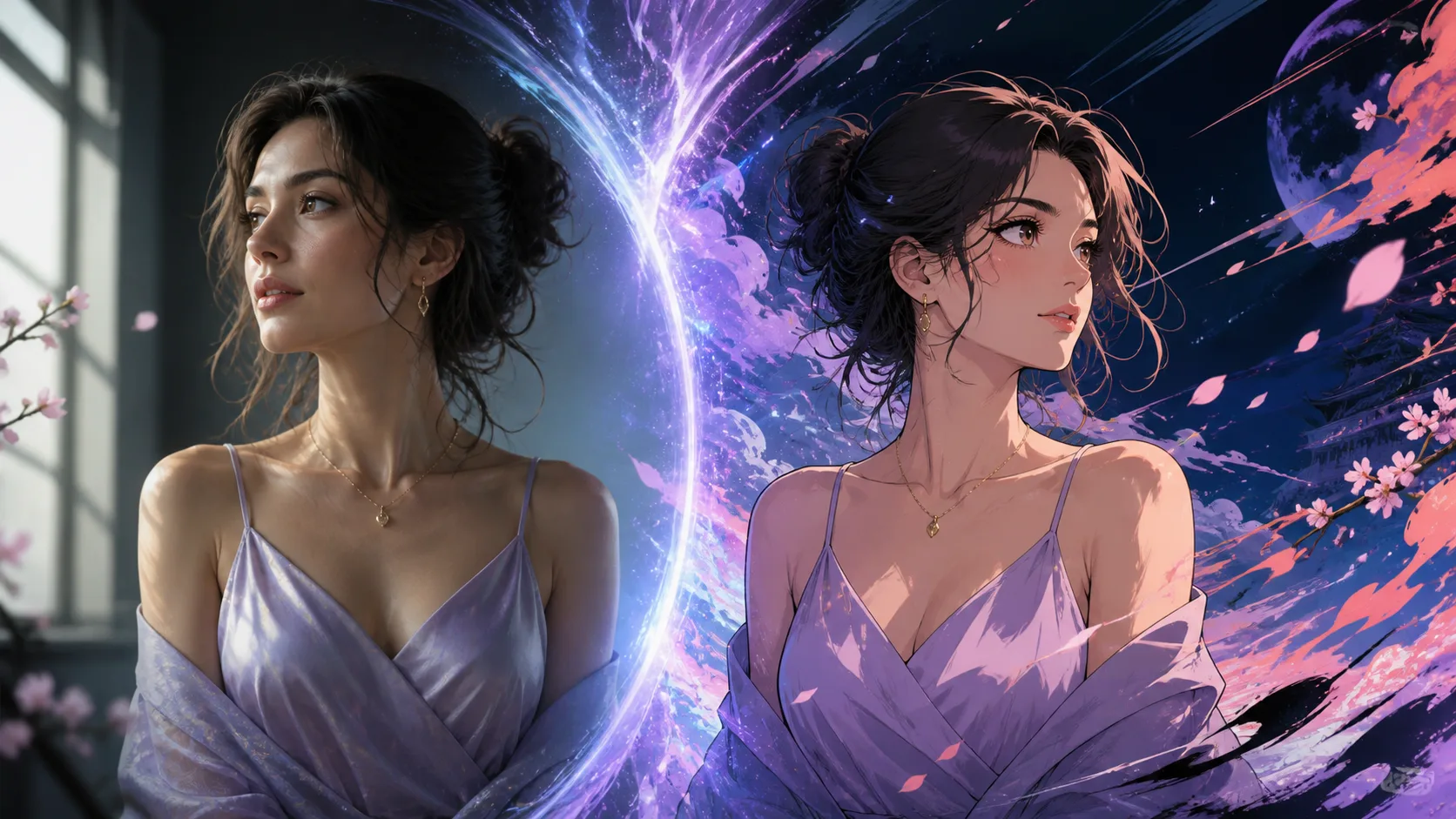
Transform this portrait into refined cinematic anime art. Preserve the same person, face shape, hairstyle, lavender dress, jewelry, pose, expression, and framing. Add luminous violet rim light, hand-painted linework, and an abstract fantasy background. No text or watermark.
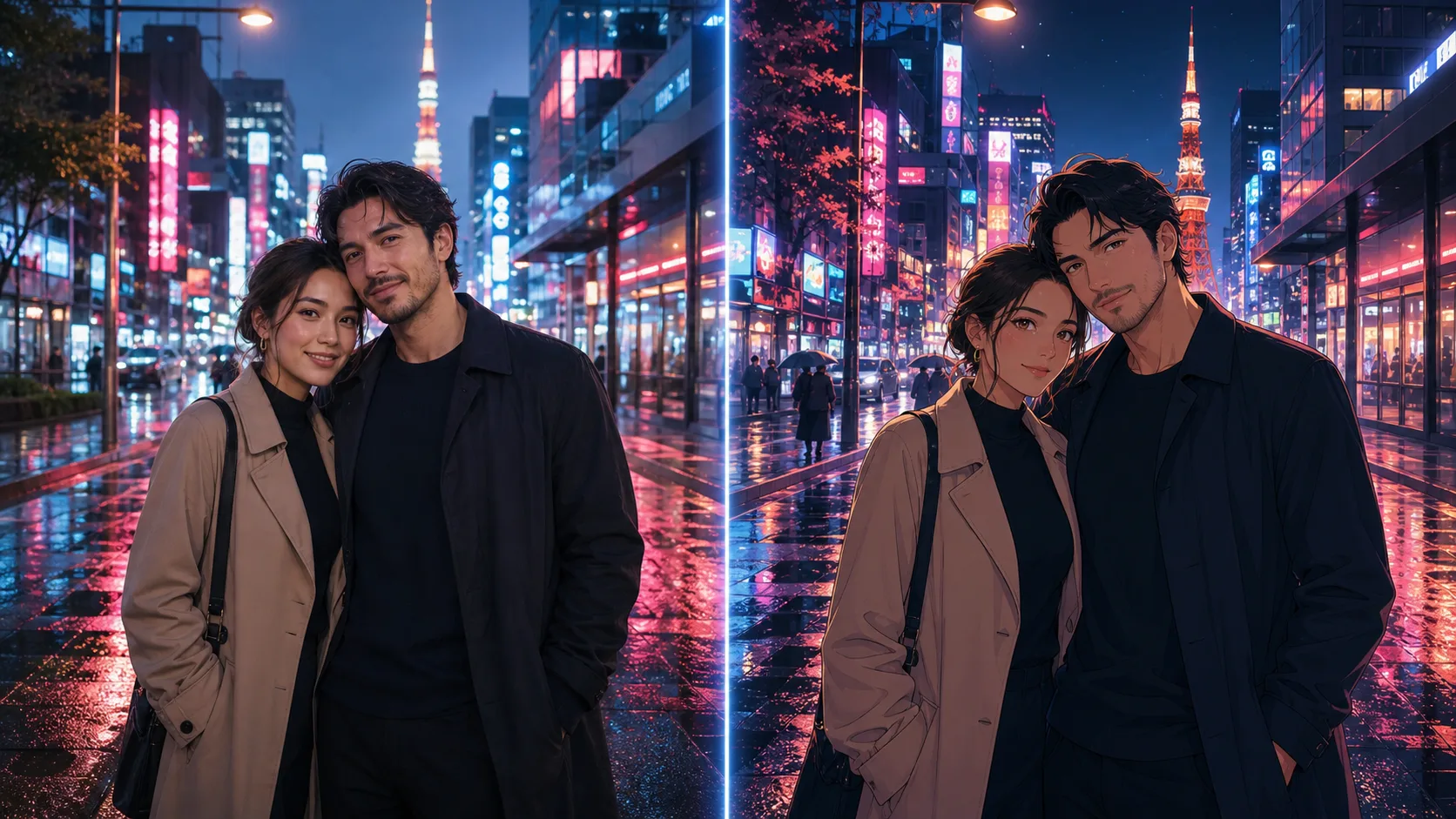
Convert this couple photo into a mature romantic anime scene in rainy Tokyo. Preserve both identities, hairstyles, coats, pose, and framing. Add neon reflections, cinematic night lighting, detailed cel shading, and a subtle film-grain finish.
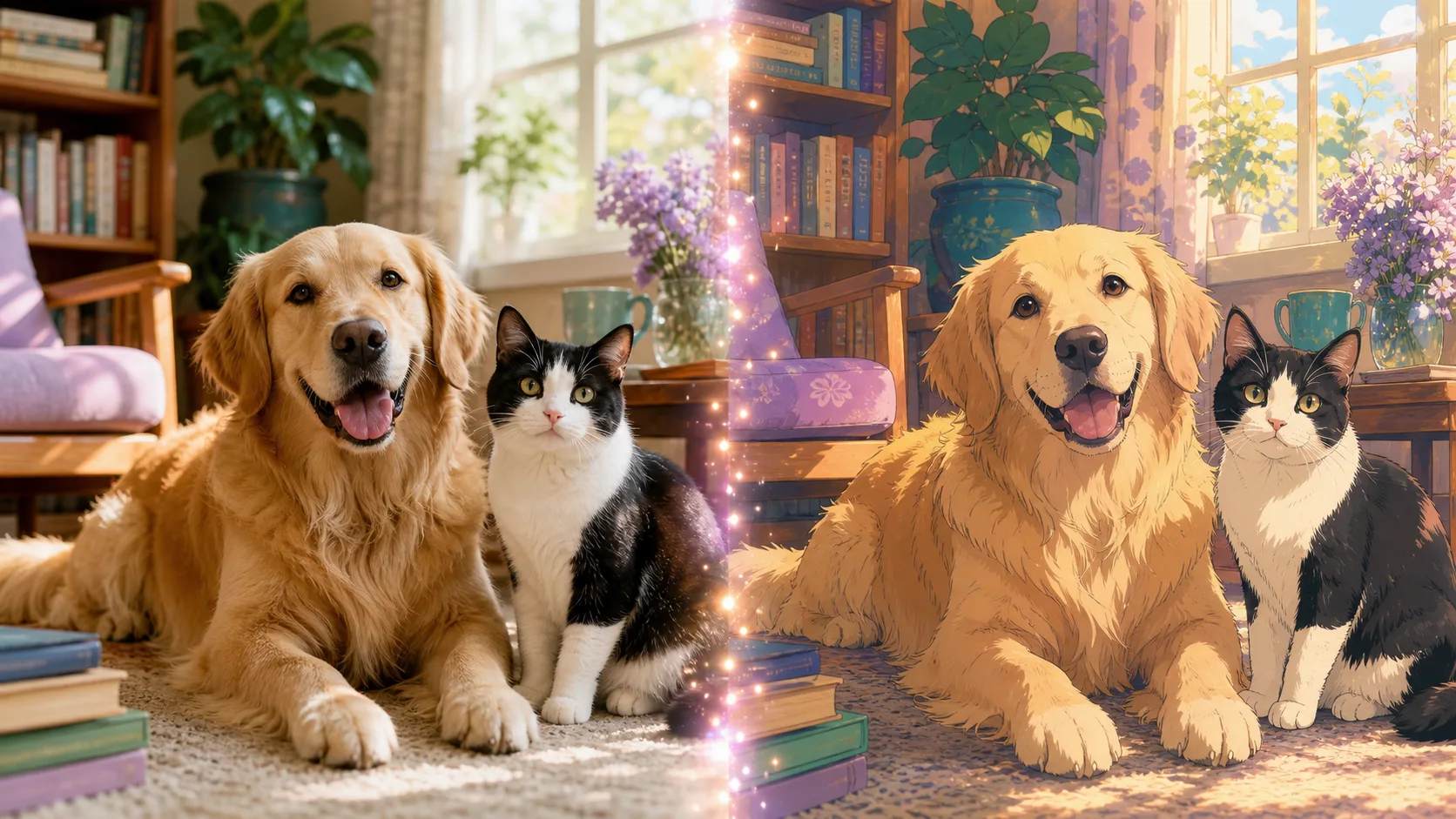
Turn these dogs and cats into cozy anime companions in a sunlit reading room. Preserve every animal, breed, coat color, facial marking, relative size, and left-to-right arrangement. Warm storybook anime rendering, soft morning light, no extra animals.
Concept Art and Visual World Building
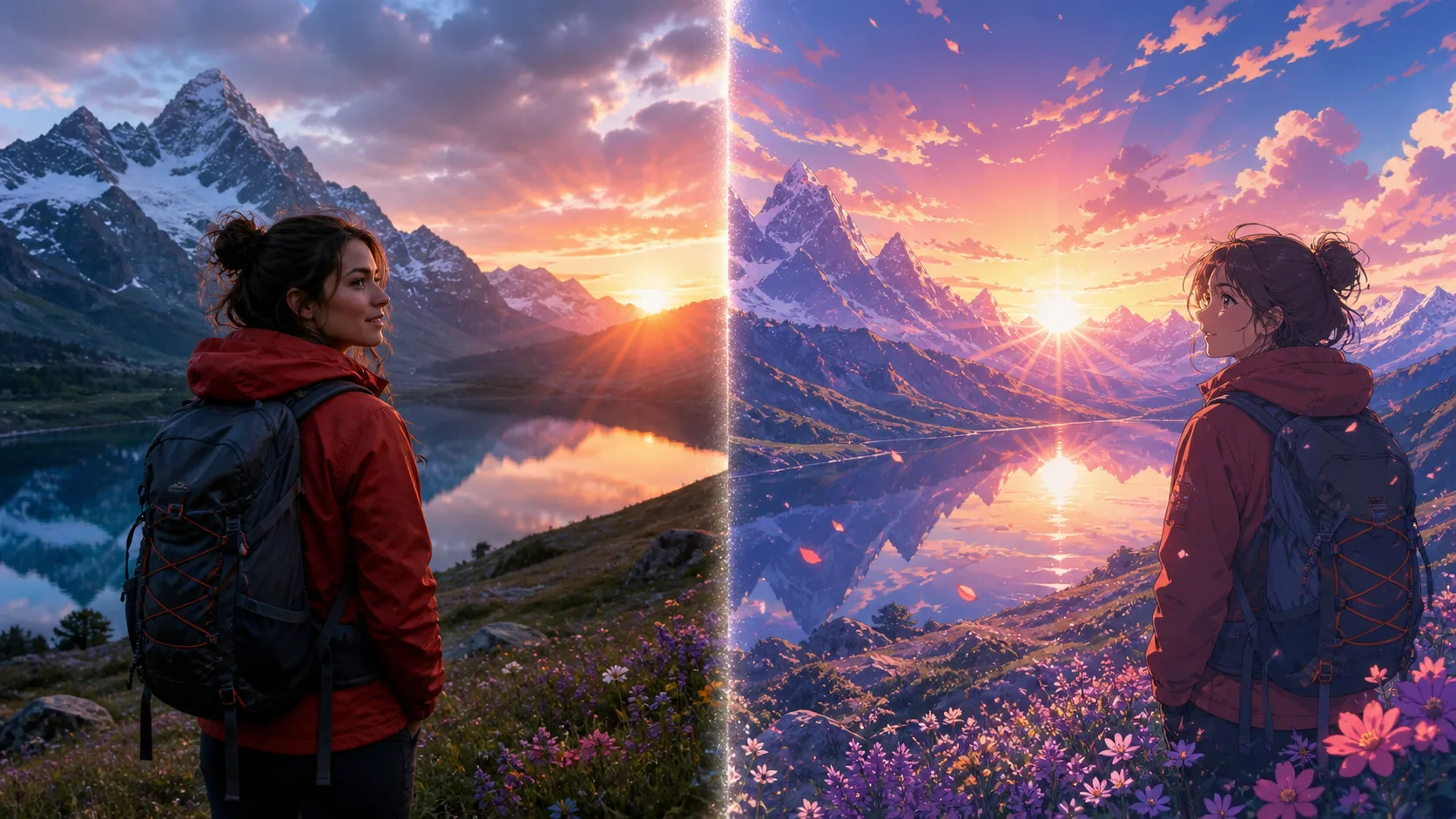
Transform this mountain travel photo into cinematic anime key art. Keep the same hiker, red jacket, backpack, lake, flowers, mountain silhouette, and sunset composition. Add painted clouds, luminous reflections, and adventurous animated-film atmosphere.
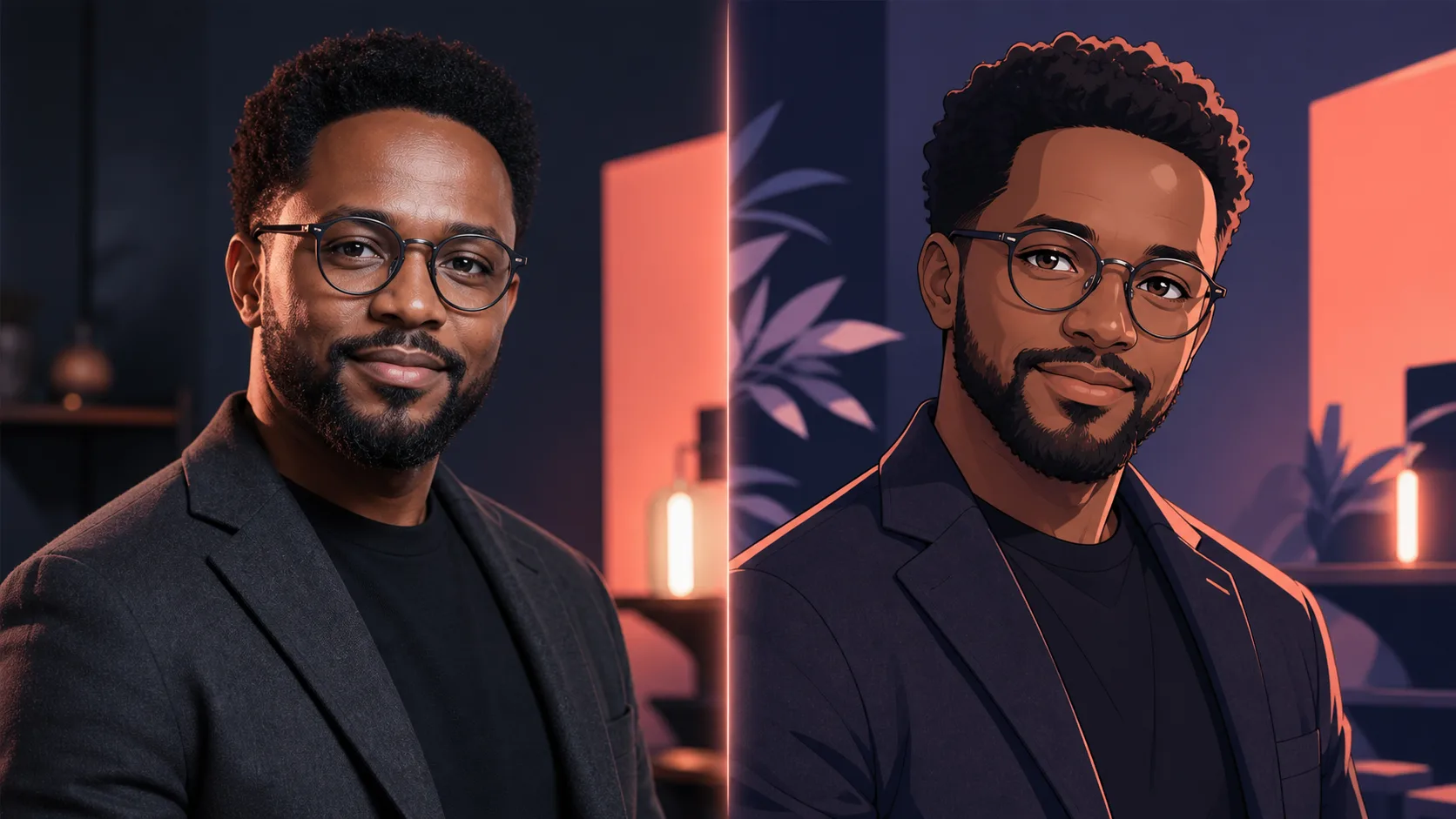
Create a sophisticated anime avatar from this professional portrait. Preserve the same face, glasses, beard, hairstyle, dark jacket, posture, and confident expression. Use clean graphic linework, coral and violet studio lighting, and a minimal background.
Reference-Guided Brand Creation
Transform this portrait into refined cinematic anime art. Preserve the same person, face shape, hairstyle, lavender dress, jewelry, pose, expression, and framing. Add luminous violet rim light, hand-painted linework, and an abstract fantasy background. No text or watermark.
Convert this couple photo into a mature romantic anime scene in rainy Tokyo. Preserve both identities, hairstyles, coats, pose, and framing. Add neon reflections, cinematic night lighting, detailed cel shading, and a subtle film-grain finish.
Why Choose Our Free ChatGPT Image Generator
AIAnimeGenerator combines the creative quality of GPT Image 2 with a fast browser workflow, giving you a practical free ChatGPT image generator for original creation and reference-guided editing.
High-Quality GPT Image 2 Results
Create detailed, coherent visuals with strong prompt following, realistic lighting, polished composition, and dependable style control for everyday creative work.
Text and Reference Image Generation
Start with words alone or upload up to five images to guide the subject, identity, product, pose, palette, layout, or visual style of your result.
Better Text Inside Images
Build posters, packaging concepts, social graphics, presentation covers, and product mockups where readable headings and intentional typography matter.
Flexible Formats for Every Channel
Choose square, portrait, landscape, mobile, banner, and cinematic aspect ratios including 1:1, 4:5, 9:16, 16:9, and 21:9.
Free ChatGPT Image Generator Use Cases
Use ChatGPT Image 2.0 for practical work and creative exploration across marketing, ecommerce, content, education, storytelling, professional design, and personal projects.
Social Media Posts and Thumbnails
Create attention-grabbing posts, channel thumbnails, story covers, profile graphics, and campaign variations sized for each social platform.
Product Photos and Ecommerce Mockups
Place products in polished lifestyle scenes, test packaging ideas, create listing visuals, and preview campaign concepts before a full photo shoot.
Posters, Ads, and Brand Graphics
Generate promotional posters, event graphics, logo presentation boards, brand moodboards, and advertising concepts with clear art direction.
Portraits, Avatars, and Profile Images
Create professional portraits, stylized avatars, character looks, creator profile pictures, and imaginative transformations from a prompt or selfie.
Book and Educational Illustration
Visualize stories, lesson concepts, diagrams, covers, classroom materials, and child-friendly illustrations without searching through generic stock images.
Game, Film, and Character Concepts
Explore characters, environments, props, costumes, cinematic frames, and visual worlds for games, films, animation, and storytelling projects.
Presentations and Editorial Content
Turn complex ideas into cover art, editorial illustrations, infographics, slide visuals, blog headers, and clear visual explanations.
Personal Art, Gifts, and Memories
Reimagine pets, family moments, travel memories, celebration cards, printable gifts, and personal creative ideas in distinctive visual styles.
How to Use the Free ChatGPT Image Generator
Create with ChatGPT Image 2.0 in three simple steps: describe your idea, optionally add reference images, and generate a polished visual in your browser.
Describe the Image You Want
Enter a natural-language prompt with the subject, scene, style, composition, colors, lighting, camera angle, and any text you want included.
Add References and Choose a Ratio
Optionally upload one to five reference images, then select the aspect ratio that fits your post, portrait, poster, thumbnail, or banner.
Generate, Refine, and Download
Generate your image with GPT Image 2, review the result, adjust the prompt for another variation, and download the version you like.
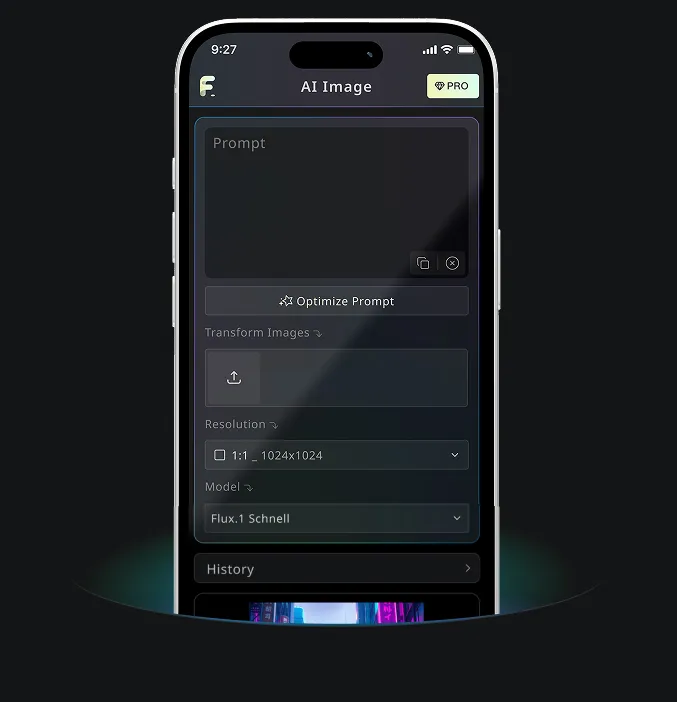
AIAnimeGenerator App for GPT Image 2 and AI Image Creation
Use AIAnimeGenerator to create AI images with GPT Image 2 online for free, then continue your visual workflow with AIAnimeGenerator tools on desktop or mobile.
Free ChatGPT Image Generator FAQ
More Free ChatGPT Image Generator Guides
Continue with practical AI anime prompts, avatar ideas, and transformation workflows.